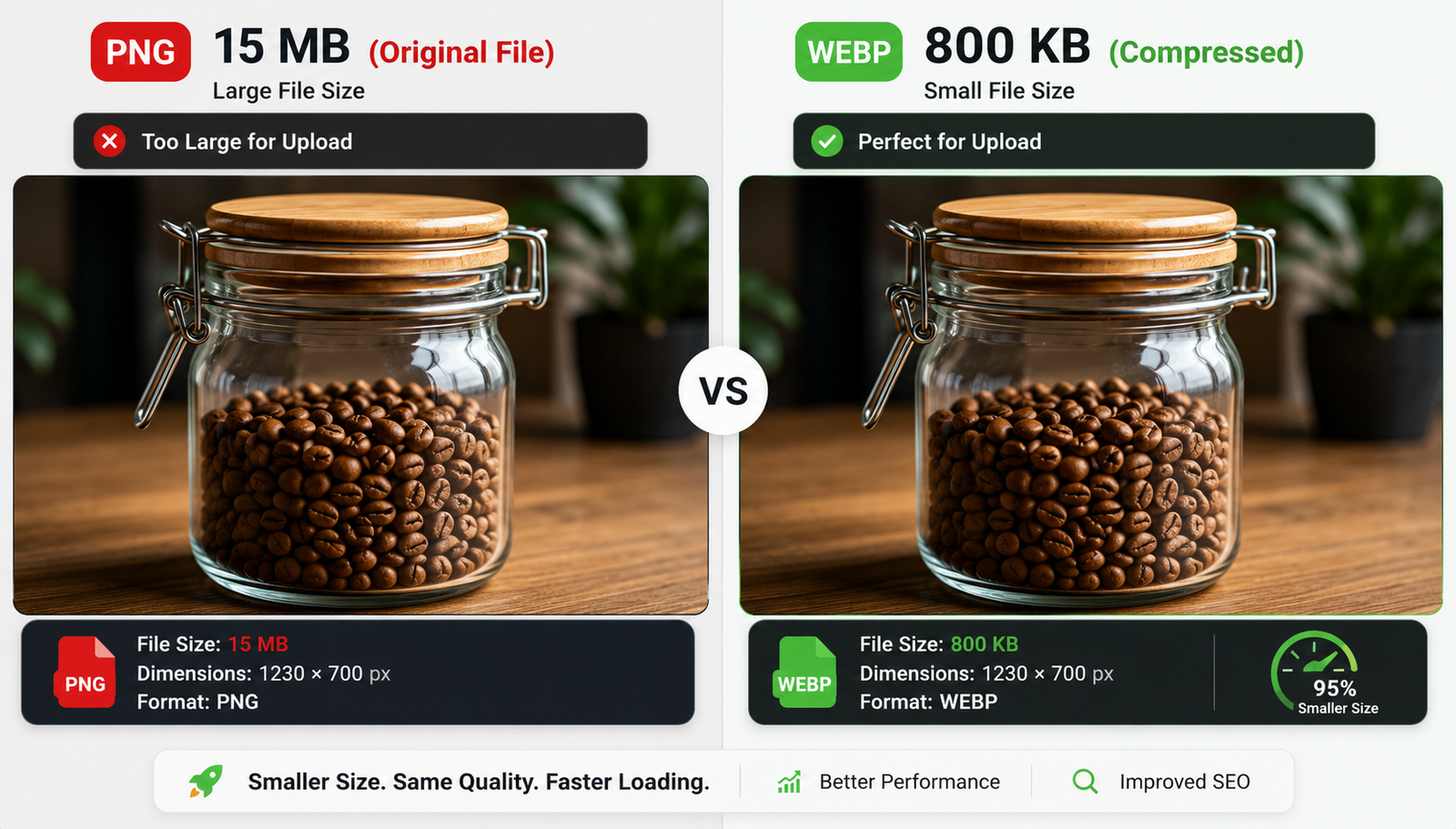
You snap a photo of your newest pickle jar for your Etsy store. It weighs 15 MB. Upload that massive file, and your page speed flatlines.
You need the file smaller. You also want the picture to stay crisp.
You have two ways to fix this.
Change the physical dimensions
A modern phone shoots photos that are 4000 pixels wide. Your website probably only displays images at 800 pixels wide.
That extra invisible width just eats up megabytes.
Open your photo in Mac Preview or Windows Photos. Find the resize tool. Change the width to match exactly what you need.
Scaling a 4000-pixel image down to 800 pixels chops the file size in half before you even touch compression.
Squeeze the data
Now compress the file. Run it through an algorithm that cleans up the code inside the image.
Use lossless compression. Tools like TinyPNG or Squoosh handle this perfectly. Drag your photo into the browser. The software strips out hidden metadata and merges microscopic color variations.
Your eye misses the changes. A blue label still looks perfectly blue.
But the file size plummets. A 5 MB photo drops to 800 KB in seconds.
Check the format
Sometimes the easiest fix is switching the file type.
If you have a massive PNG photo of a landscape, convert it to a JPG or WEBP. Those formats handle real-world photography much better. They drop the weight immediately.
| Action | Best for | Impact |
| Resizing dimensions | Camera photos | Massive size drop |
| Lossless compression | All images | Keeps edges sharp |
| Changing formats | PNG photos | Better web loading |