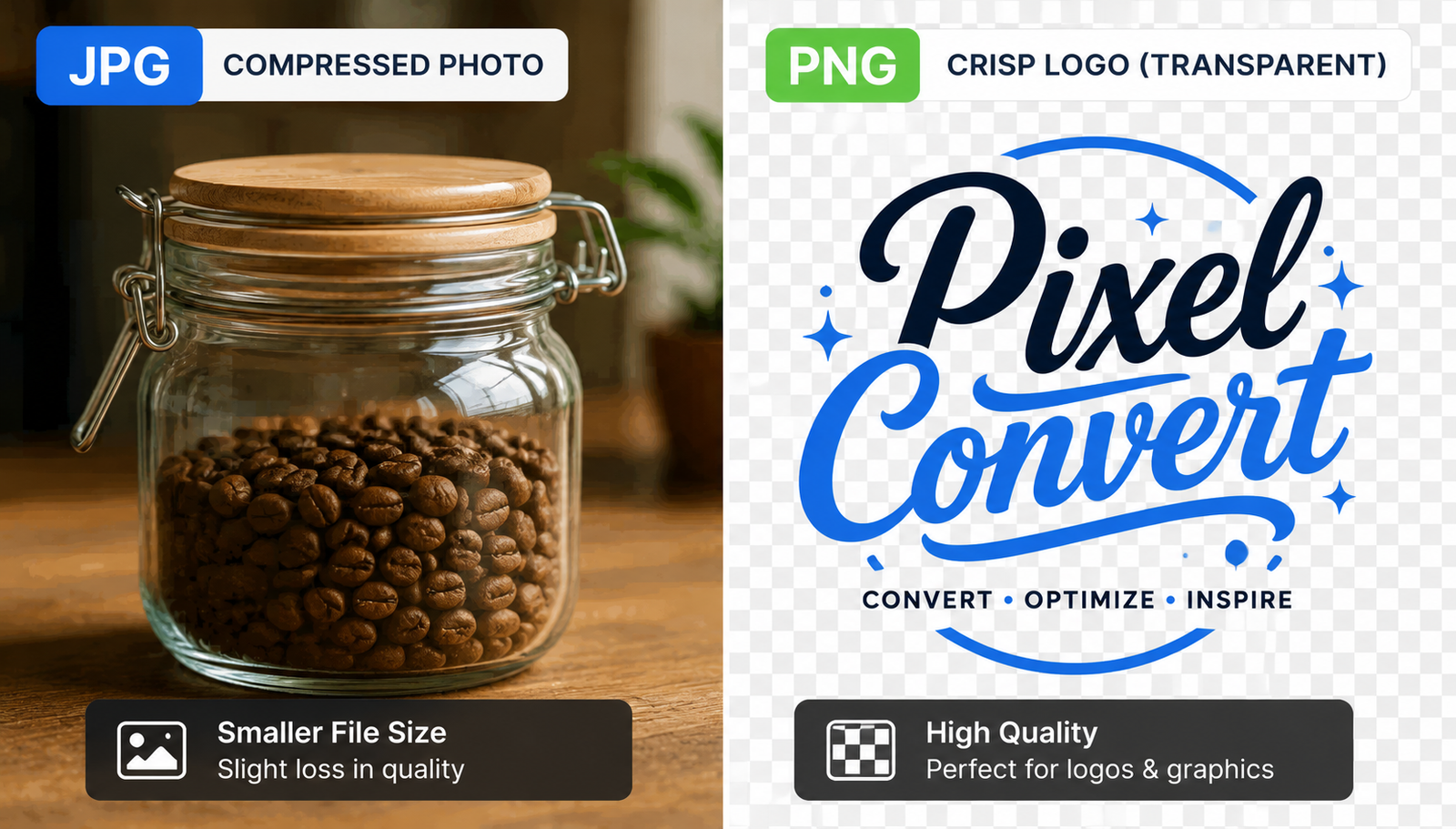
You need to save an image. The dropdown menu stares back at you. JPG or PNG.
The choice dictates how your picture looks. It also decides how fast your webpage loads.
JPG shrinks the file
JPG relies on lossy compression. It takes a 5 MB photo and strips out data your eye probably won't notice.
You'll get a much lighter image that loads instantly on a phone.
Every time you save a JPG, the algorithm chops the picture into blocks and averages out the colors. The image degrades slightly with each save.
PNG protects the details
PNG uses lossless compression. It pins every single pixel exactly where you put it.
A blue pixel stays that exact shade of blue forever.
This makes the files heavy. A PNG can easily weigh 5 times more than a JPG of the exact same image.
PNG lets you erase the background entirely. You can drop a logo onto a website and let the page color show through naturally.
How to choose
Use JPG for real-world photos. Sunsets and human faces hide compression artifacts well.
The eye forgives slight color averaging in a messy forest scene.
Use PNG for graphics. Screenshots and typography demand crisp lines.
| Image element | JPG | PNG |
| Real-world photos | Tiny files | Massive files |
| Floating logos | Solid background added | Empty background |
| Text graphics | Blurry edges | Crisp edges |
What kind of images are you working with right now?